WE'RE ALL IN! Tools Hub
Practical setup utilities — start with specs, then invite the chaos.
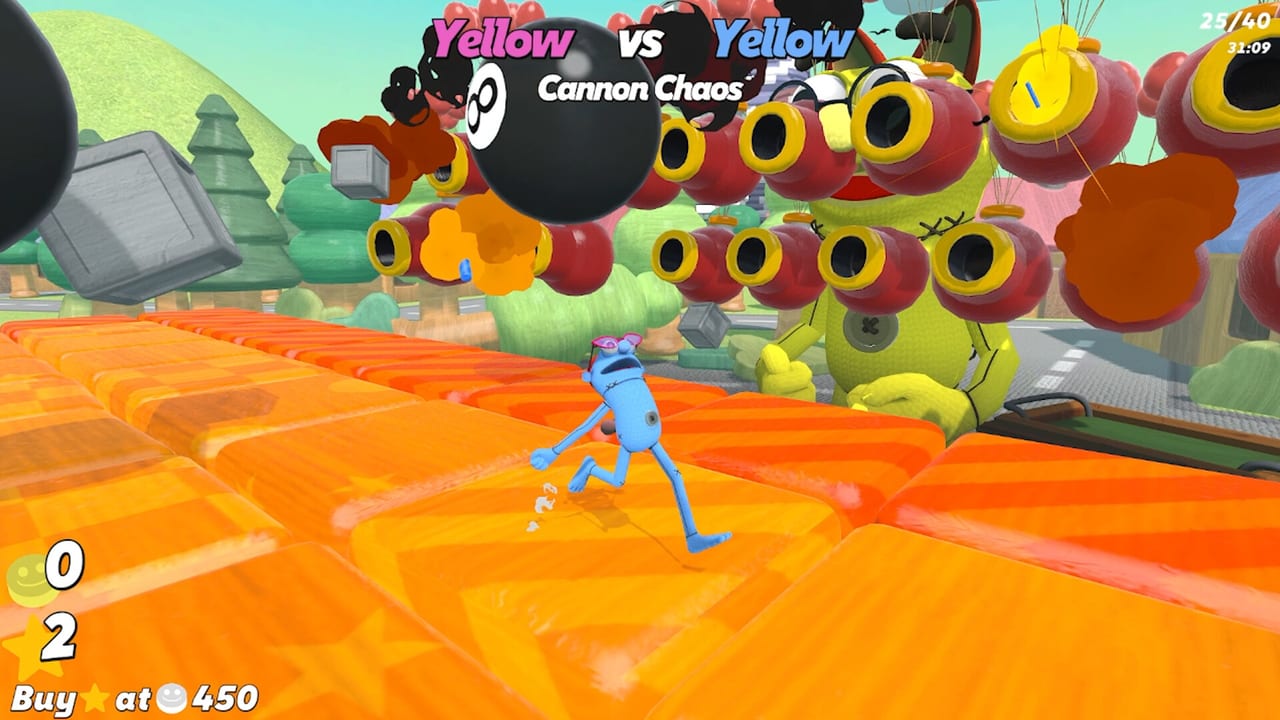
The Tools Hub collects practical setup pages for WE’RE ALL IN! so your party fails because of a bad beat — not because someone’s laptop wheezes through a grenade brawl. This is a Steam game for Windows and Mac, online for 1–8 players, and it feels best when every machine can hold a stable framerate while pushes and bets fly. Treat these tools as hospitality: the host who checks specs saves the night for everyone else.
Tools in this hub
- System Requirements — verify PC/Mac readiness before you schedule a full lobby.
More utility pages may land here later (house-rule templates, sensitivity starting points, printable bet sheets). Specs remain the highest-leverage check on day one and every time a new friend joins with unknown hardware.
Why a party game still needs a tools section
Minigame bursts look lightweight until eight avatars, physics toys, and rapid round transitions stack up. A single hitching client makes sniper duels miserable and turns Paint Tiles into a teleport simulator. Betting decisions get worse when input lag masquerades as bad reads. Checking specs is not sweaty — it is fairness.
Use this hub alongside:
- Lobby Setup for host flow and playlist toggles
- Controls for input comfort and push binds
- Getting Started for onboarding the loop
- How to Bet and How to Win once the machines behave
- Launch Notes for day-one context
Pre-party technical checklist
- Confirm everyone owns the game on Steam (app 4183130).
- Run the system requirements pass on weaker machines.
- Update GPU drivers / macOS as needed.
- Close browser tab farms before mash minigames.
- Agree on keyboard vs controller defaults so callouts match.
- Test a private two-player lobby before the main event.
- Pause cloud backups and giant downloads that steal bandwidth mid-round.
- Keep the Links Hub handy for the store page if someone still needs to buy in.
Hosting around uneven hardware
Friend groups are rarely uniform. If two players sit near minimum specs:
- Prefer private lobbies so you can pause and retune.
- Soft-ban the heaviest chaos playlists until those clients prove stable.
- Avoid blaming “skill issues” when someone’s frame time is a heart monitor.
- Consider shorter sessions with breaks so thermals recover on thin laptops.
Custom lobby tools from Lobby Setup are your friend: you can still have a great betting night without forcing every explosive mode on potato hardware.
What does not belong here
No script executors, no redeem-code checkers, no gray-market account tools. WE’RE ALL IN! is not a Roblox experience. If a “tool” promises free cosmetics injectors, it is malware cosplay — unlock looks the honest way via Cosmetics. This hub exists to make legitimate play smoother, not to break the game.
Performance versus skill myths
Stable machines do not grant stars automatically. They simply stop lying to your hands. Once hitching is gone, return to practice priorities on Minigame Tiers and wager discipline on Betting Risk. Tools clear the fog; guides win the session.
Expanding the hub later
Useful additions we may document:
- Printable chip/star trackers for couch streams
- Sample house-rule cards for birthday vs championship nights
- Controller sensitivity baselines for sniper blocks
- Mac-specific overlay conflict notes
Until those exist, the system requirements page plus the guides above cover 95% of setup pain.
Related hubs
- Guides Hub
- Tier List Hub
- Updates Hub
- Links Hub
- Cosmetics Hub
- Review if someone is still deciding whether to buy
Open System Requirements, clear the hardware gate, invite the crew, and practice your all-ins where they belong — at the betting table, not in the task manager.
Frequently Asked Questions
Quick answers to the most common questions.
What tools are available now?
Start with the System Requirements page to validate Windows and Mac setups before big lobbies.
Do you offer script or code tools?
No. This Steam party game wiki does not provide scripts or redeem-code utilities.
Why check specs for a party game?
Unstable clients ruin timing-heavy minigames and make pushes/bets feel unfair. A quick specs pass protects the night.
Where should hosts go next?
After specs look good, use Lobby Setup and Getting Started to run the actual party.
What if only one friend has a weak PC?
Test privately first, lower their settings, and soft-ban the heaviest modes until their client stays stable.