WE'RE ALL IN! System Requirements
Make sure every friend can survive the arena before you fill eight seats.
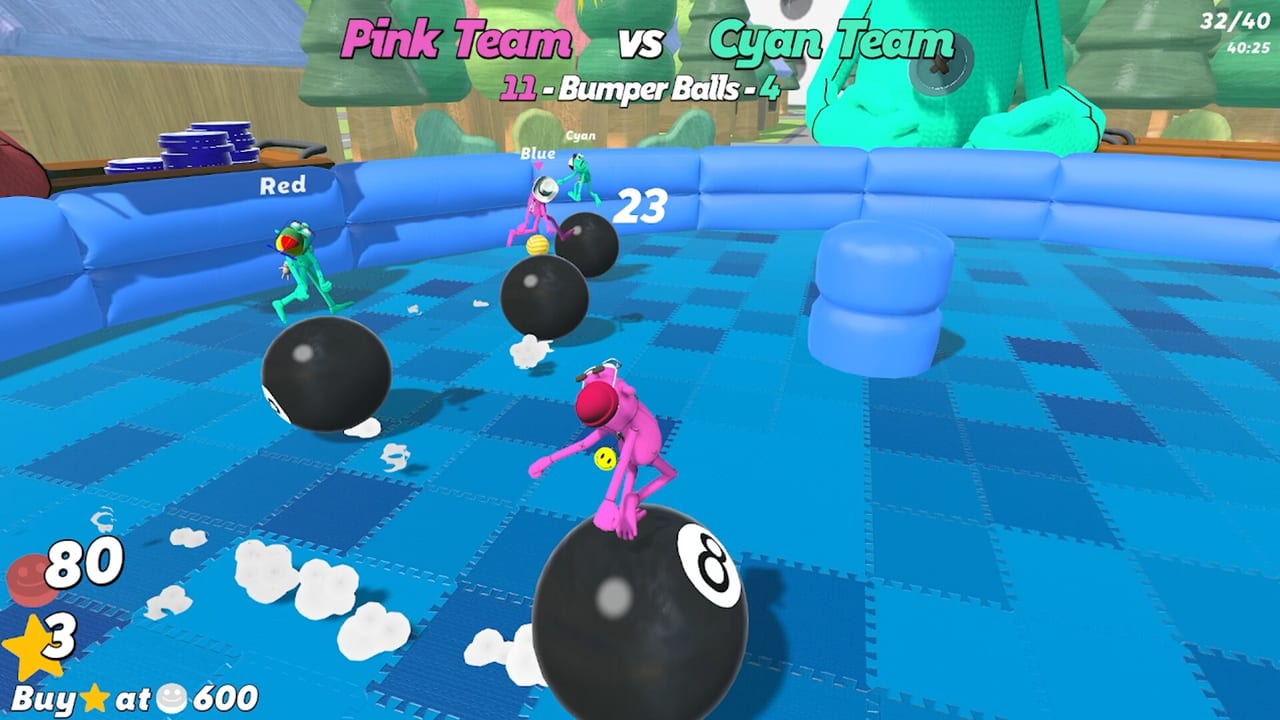
Before you schedule a full 1–8 player night of WE’RE ALL IN!, confirm the hardware story. The game ships on Steam for PC (Windows) and Mac. Exact Steam store rows can update over time — always recheck the official store page — but this guide explains how to interpret requirements, stress-test weak machines, and host around performance gaps. Pair it with Lobby Setup and Getting Started.
Platforms at a glance
- Windows PC via Steam
- Mac via Steam
- Online sessions; plan on a stable internet link for betting rounds and fast minigame swaps
There is no Roblox client path and no console SKU covered here. If Steam later adds platforms, update your invite checklist from the storefront first.
How to read Steam requirement blocks
Steam lists minimum and (when provided) recommended specs. Practical translation:
- Minimum — the game should launch and run; expect lowered settings and occasional dips in busy free-for-all chaos.
- Recommended — smoother cameras for sniper duels, denser particle moments, and less pain during mash-heavy streaks.
If your machine sits near minimum:
- Cap framerate to something stable instead of chasing unlocked tears.
- Lower shadows/post-effects before resolution when aim clarity matters.
- Close Chromium with 48 tabs; mash minigames deserve CPU headroom.
- Use wired Ethernet when Wi-Fi drops during laser dodging.
Party-night performance checklist
| Check | Why it matters |
|---|---|
| GPU driver / macOS updates | Clears weird hitch clusters |
| Storage free space | Steam updates and shader caches need room |
| Background uploads | Cloud sync storms stutter rounds |
| Overlay conflicts | Extra overlays can hitch input (Controls) |
| Thermals | Laptops throttle mid-sumo; elevate vents |
| Power plan (Windows) | “Balanced” on battery is an own goal |
Weak-machine hosting strategies
Not everyone owns a gaming desktop. Good hosts:
- Run a private two-player test with the weakest machine before the main invite.
- Prefer playlists that the low-end PC survives — sometimes fewer explosive effects-heavy modes.
- Avoid blaming skill when someone is clearly frame-locked; switch to luck-light party games only if the group agrees, or help them tweak settings.
- Keep voice chat on a separate device if the gaming laptop is dying.
Network notes
Betting tables and rapid round transitions punish packet loss. Tips:
- Avoid saturated hotspot tethering for serious nights.
- Pause giant downloads.
- If a Mac/Windows mixed lobby sees one player desync, relaunch the lobby once before rewriting conspiracy theories.
Input devices and system load
Controllers and keyboards are both fine. Exotic macros are unnecessary. If a mash night spikes CPU from RGB software suites, close them. More on binds in Controls.
Cosmetics, settings, and ego
New unlocks (Cosmetics) do not replace a stable frame time. Screenshot the drip after you confirm you can actually aim.
When specs are fine but the game still feels wrong
- Verify Steam file integrity.
- Check Launch Notes / Updates Hub for hotfix context.
- Reboot after major OS updates.
- Confirm you are not comparing a 1v1 sniper duel on ultrawide high settings to an eight-player grenade brawl on integrated graphics — expectations must scale.
Buying decision cross-check
If multiple friends fail the specs gate, reconsider timing the purchase party. The Review still stands on design merits, but fun is multiplayer-complete or it is incomplete. Price near $7.99 (launch sale often lower) is easier to justify when the whole call can play.
Related tools and guides
- Hub: Tools Hub
- Official links: Links Hub
- Economy primers: How to Bet, How to Win
- Tier context if you only queue light modes temporarily: Tier List Hub
Clear the hardware bar, then go paint tiles and misread coin flips like nature intended. Stable machines make every all-in feel fair — even when the outcome is emotionally unfair.
Frequently Asked Questions
Quick answers to the most common questions.
What platforms are supported?
WE'RE ALL IN! runs on Steam for Windows PC and Mac. Always double-check the store page for the latest requirement rows.
Can I play on minimum specs?
Usually yes at lowered settings. Test in a private lobby before hosting a full eight-player night.
Does network quality matter?
Yes. Betting transitions and timing minigames feel worse with packet loss. Prefer stable connections over busy hotspots.
Should laptops use battery power?
Plug in. Battery savers throttle CPU/GPU and can ruin mash races and aim duels.
Where do I find official requirement numbers?
On the Steam store page for app 4183130. Use this wiki page for practical party-night interpretation.